Cyber House of Horrors: A small business cybersecurity guide
Writen by: Pretha Yasmin
Welcome to the Cyber House of Horrors
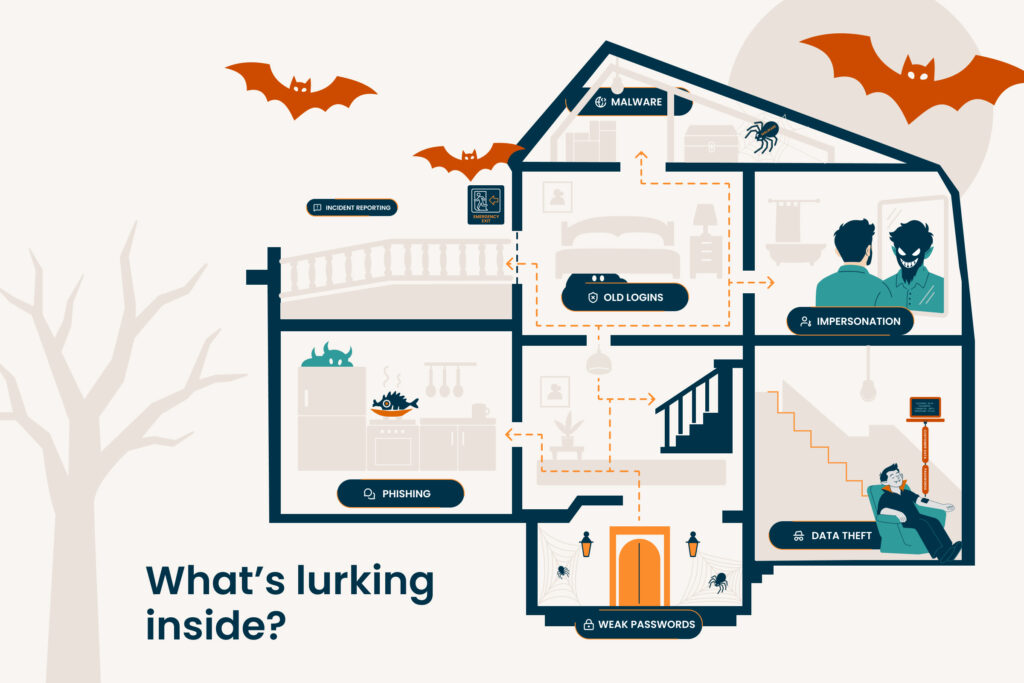
There’s something lurking inside your business. Maybe it slipped in through an unlocked account. Maybe it’s hiding behind a familiar name. Maybe it’s been sitting there so quietly, you haven’t noticed it yet. Welcome to the Cyber House of Horrors, where each room uncovers a different cybersecurity threat that could be haunting your small business, and how to shut it down.
Grab your flashlight. Let’s go room by room.
The Front Door: Lock them out using MFA
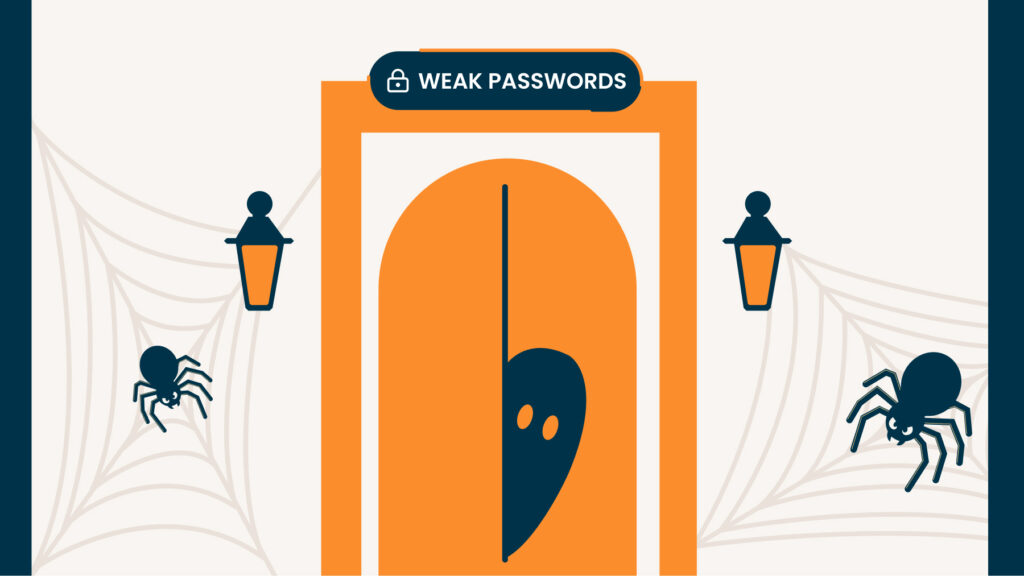
Your front door is only as useful as the lock on it. The same goes for your business accounts. Strong, unique passwords can help protect your accounts from unauthorized access, while multi-factor authentication (MFA) adds another layer of verification beyond the password itself.
SURVIVAL GUIDE
- Make every key different. Use strong, unique passwords rather than reusing the same password across business accounts.
- Keep track of your keys. Consider a password manager to help generate and securely store passwords.
- Add another lock. Enable MFA wherever it’s available, particularly on important business accounts.
The Bathroom: Who’s in the mirror?
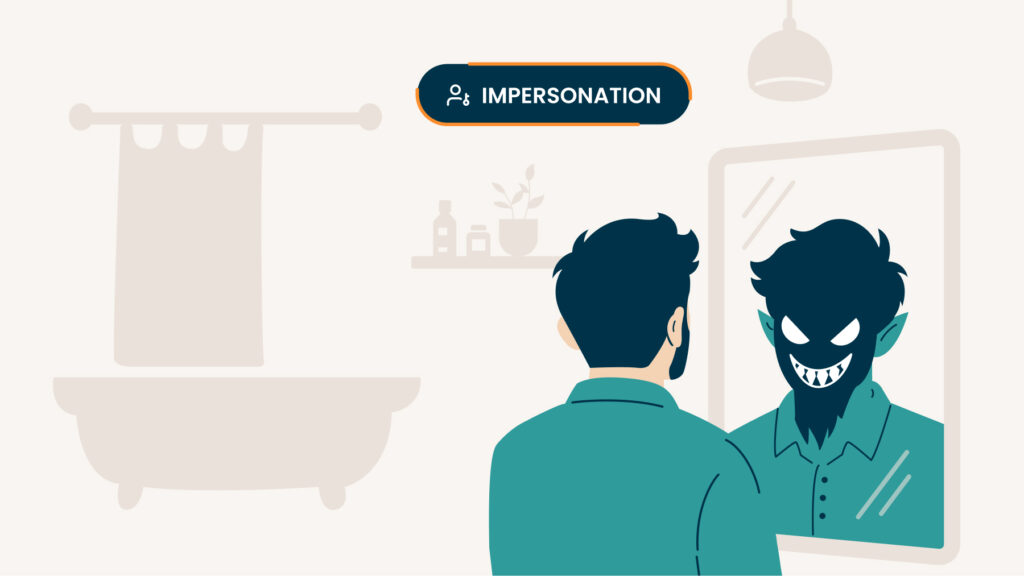
You recognize the name. You recognize the logo. You might even recognize the person.
There’s just one problem: it might not actually be them. Scammers can impersonate businesses, employees and vendors to convince someone to send money or share sensitive information.
TAKE A CLOSER LOOK
- Look twice. Check the full sender address, not just the display name.
- Verify unusual requests. If someone suddenly asks for money or sensitive information, confirm it using contact information you already trust.
- Slow down. A message like “Your payment didn’t go through, can you re-enter your card details here?” can sound completely normal, even when it isn’t.
The Bedroom: What’s hiding under the bed?
Some threats don’t have to break in. They’re already inside.
Sometimes, the biggest risks are the accounts and access permissions your business has forgotten about.
Old employee accounts, unused logins, and unnecessary access can linger long after they’re needed. If those accounts are compromised, they could give cybercriminals another way into your business.
LOOK UNDER THE BED
- Remove old accounts. Disable accounts when employees, contractors, or vendors no longer need access.
- Limit who has access. Give people access only to the systems and information they need to do their jobs.
- Take a look around. Regularly review user accounts and permissions to make sure everything still belongs there
The Attic: Caught in the web
Every creepy attic has bugs. This one has the digital kind. Malware is harmful software that can compromise devices, systems or information. It often reaches businesses through malicious links (URLs designed to steal data, install malware or trick someone into an unsafe click), along with infected attachments and downloads. Fake or compromised websites can also be used to steal information or expose users to harmful content.
DON’T GET CAUGHT IN THE WEB
- Watch where you click. Be cautious with unexpected links, attachments and downloads.
- Clear out the cobwebs. Keep operating systems, browsers, applications and security software updated so known security vulnerabilities can be patched.
- Keep an eye out for bugs. Use reputable security software and keep its protections current.
The Basement: Something’s draining your data
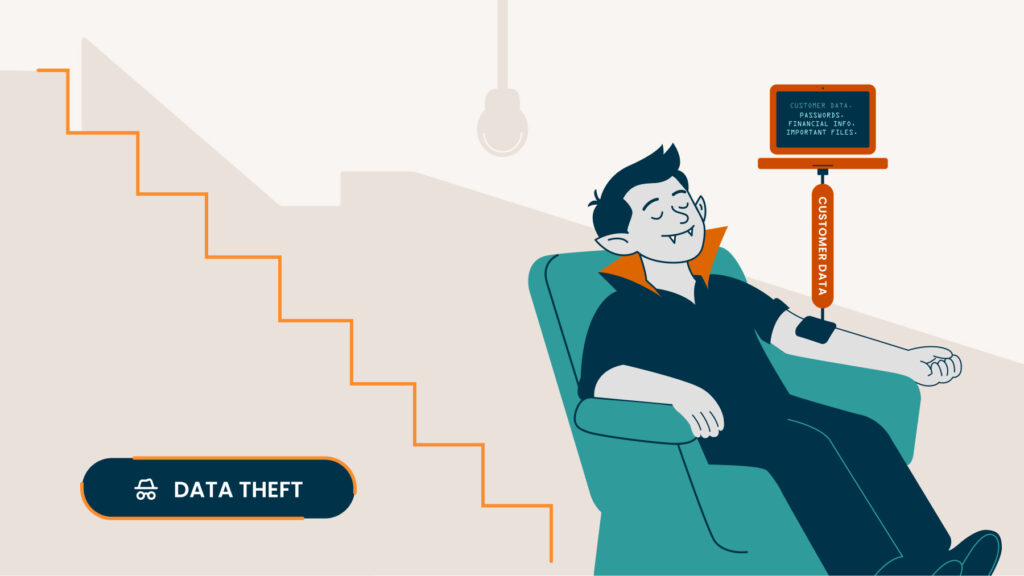
There’s something thirsty downstairs. And it isn’t looking for blood. Businesses can hold valuable information, from customer and employee records to financial information and other sensitive business data. The more sensitive information your business collects and keeps, the more there may be to protect.
CUT OFF SUPPLY
- Know what’s downstairs. Understand what sensitive information your business collects, where it’s stored and why you need it.
- Don’t keep an endless supply. Only keep sensitive business and customer information for as long as you have a legitimate need for it, and securely dispose of it when you don’t.
- Dispose of it securely. When sensitive information is no longer needed, use appropriate methods to securely dispose of it.
The Kitchen: Someone’s cooking up a scam
A convincing scam usually needs more than technology. It needs a person to take the bait. Phishing and other social engineering tactics can use familiar names, urgency, fear or pressure to convince someone to click, pay or reveal information before stopping to question the request.
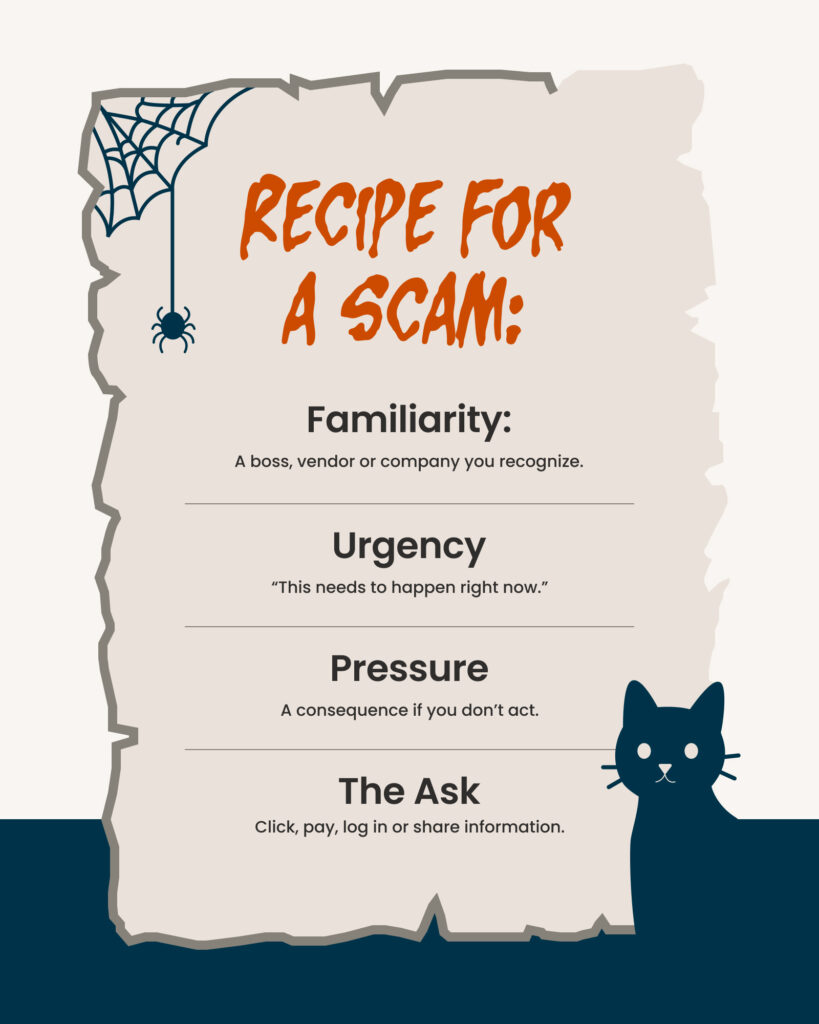
DON’T GET BURNED
- Train your employees. Teach how to recognize common phishing and social engineering tactics.
- Recognize the pressure. Unexpected urgency, fear or unusual requests can be signs that something deserves a closer look.
- Make it easy to raise the alarm. Employees should know how and where to report suspicious messages or activity.
The Emergency Exit: Find your way out
You’ve checked the locks, looked under the bed and cleared out the cobwebs. But even with safeguards in place, no business can eliminate every cybersecurity risk. That’s why the last stop in this house is the emergency exit. Preparing for a cyber incident means knowing what to do, who to call and what resources you may have available to help your business respond and recover.
FIND YOUR WAY OUT.
- Have an escape plan. Create an incident response plan before an incident happens. Establish who is responsible for responding, how your business will continue operating and who may need to be notified. The FTC recommends businesses have an incident response plan in place.
- Know who to call. In the first 10 minutes after a breach, call your cyber insurance carrier before your IT team. They’ll walk you through a step-by-step response plan designed to limit damage and protect your coverage.
- Keep a way back. Regularly back up important business information and protect your backups so you have options for restoring data and operations after certain incidents.
- Consider a safety net. Cyber insurance may help businesses manage certain financial losses and response costs associated with a cyberattack. Coverage can vary significantly, so review what a policy does and doesn’t cover with an insurance professional and understand any requirements you may need to follow if an incident occurs.
You made it out
The Cyber House of Horrors may be fictional, but the threats inside aren’t. The good news is that small steps can help strengthen your business’s defenses. Check the locks. Look in the mirror. Peek under the bed. Clear out the cobwebs. Protect your data. Train your team. And always have an escape plan. You don’t have to be afraid of what’s lurking. You just have to be prepared for it.